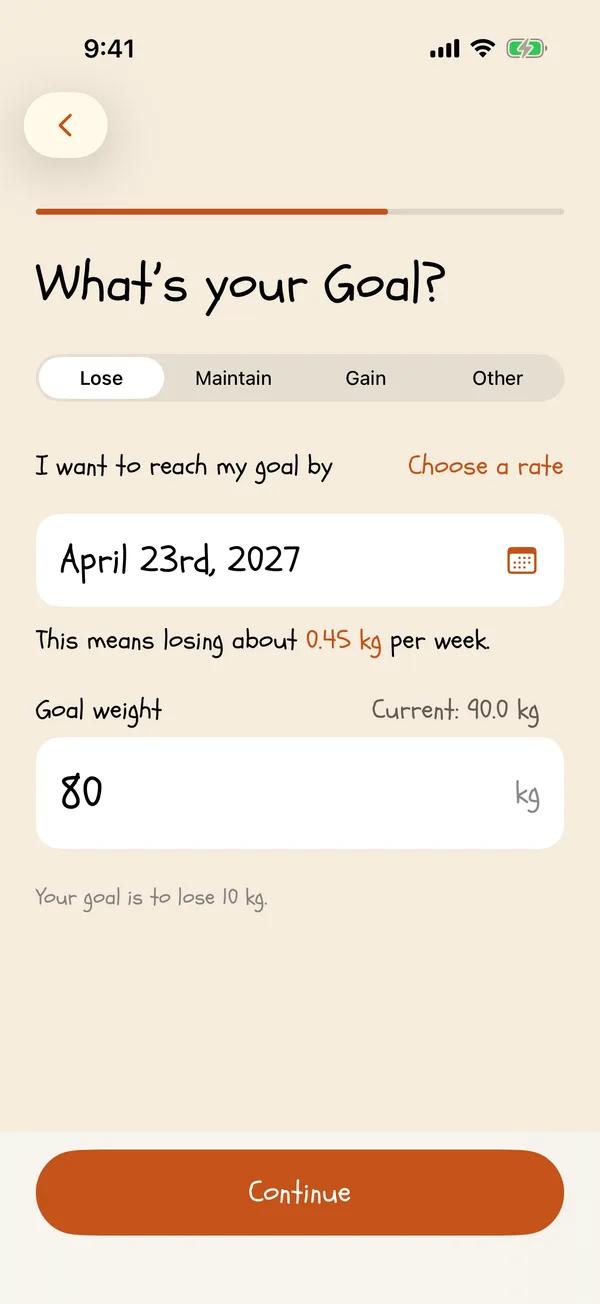
Pick a date. Reach your goal.
Reach your goal by a date
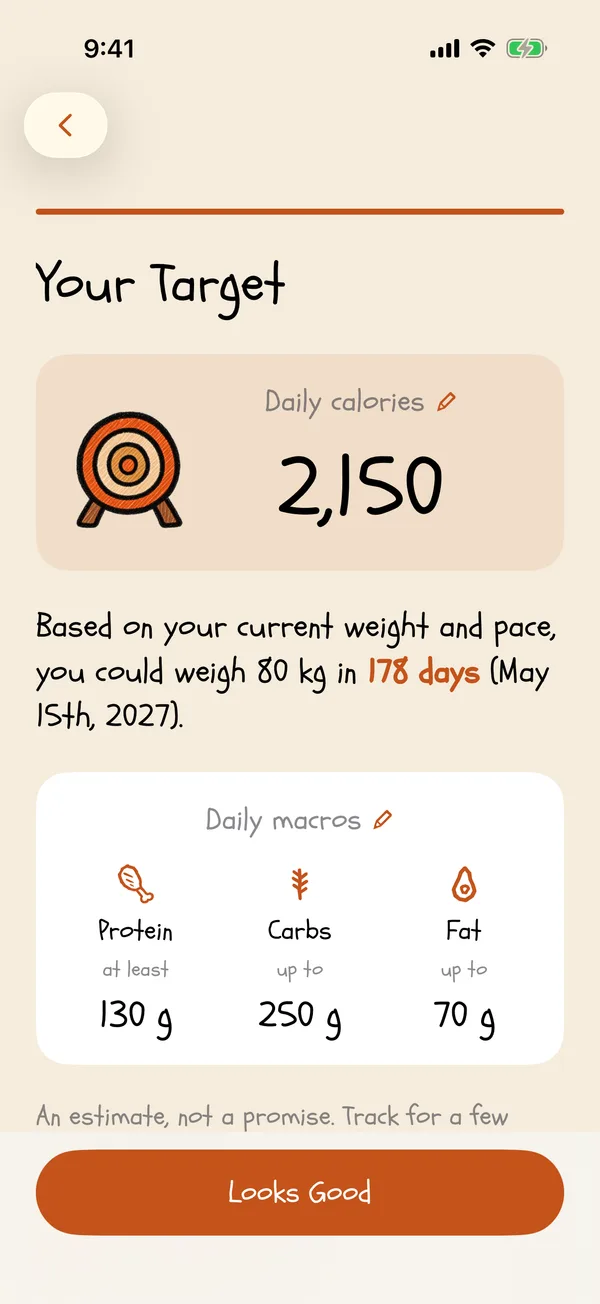
A wedding, a trip, a birthday? On What’s your Goal?, tap Choose a date and pick the day. Cave Cals works out the weekly pace and the daily calories that get you there, and only offers dates it can plan for safely. Already set up? Tap Update calorie plan in Me.
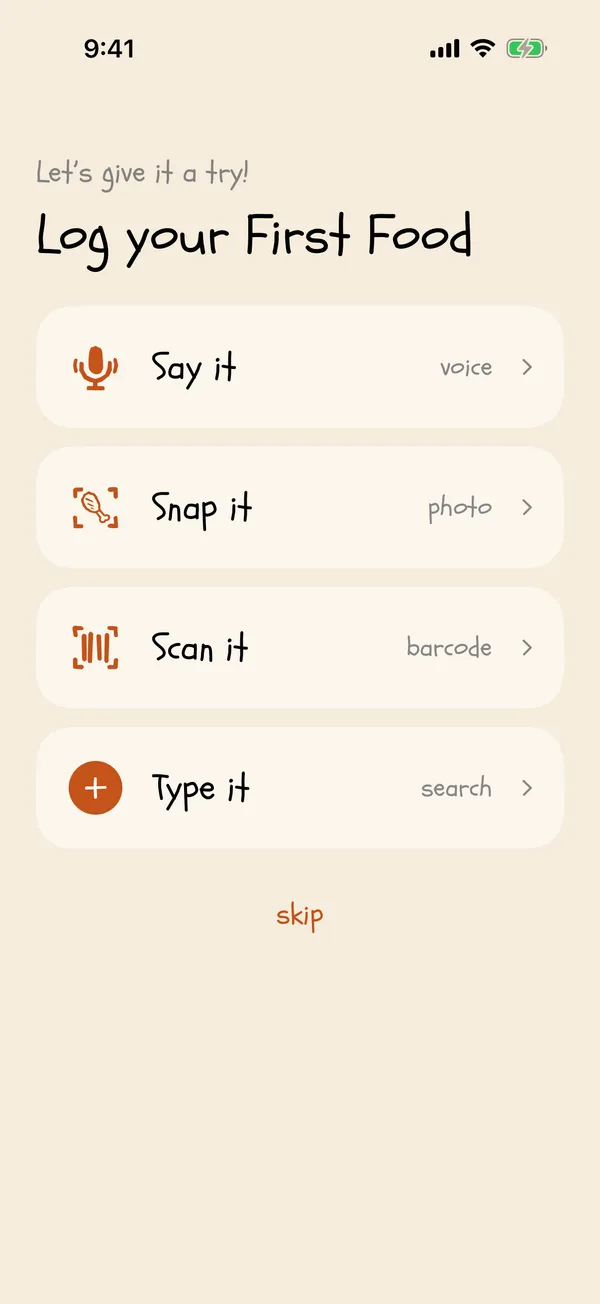
Your first food, right away
Setup now ends with something real in your log. Say it, snap it, scan it, or type it, and you’re on Home with your first food counted.
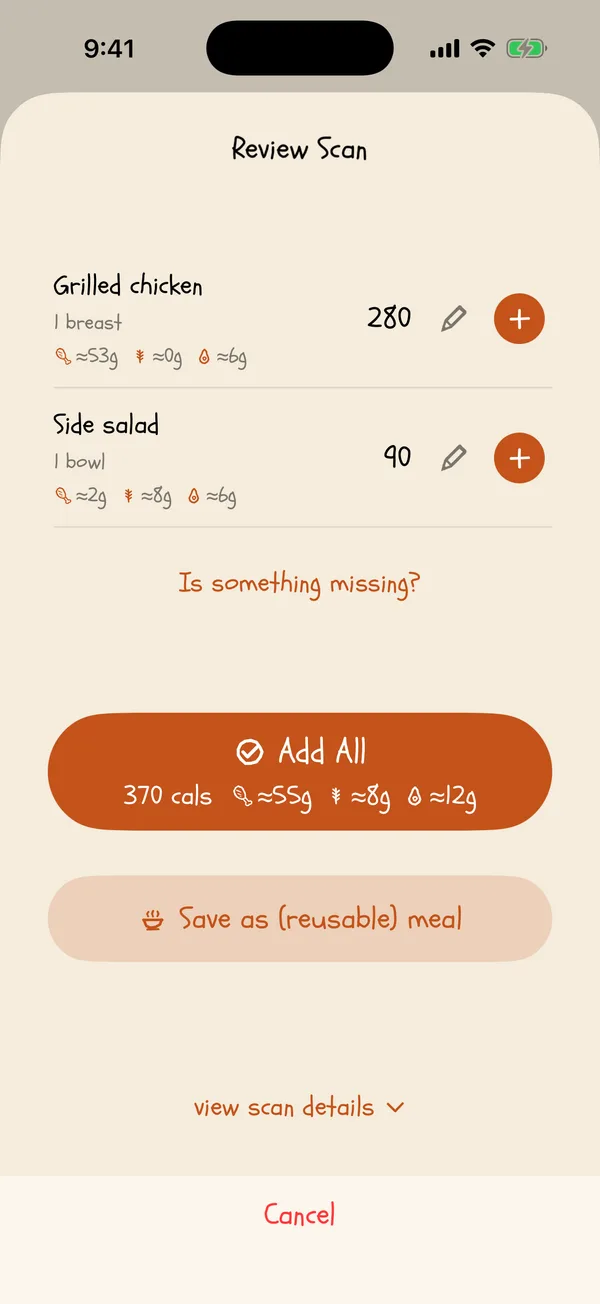
Review Scan does more
Add All shows the calories, protein, carbs, and fat it’s about to log. Eat this often? Save as meal keeps it for next time and logs it, asking how many servings you ate when it makes more than one. And when a scan misses something, Is something missing? lets you search, say, or scan the rest without leaving the review.
Build meals the way you log
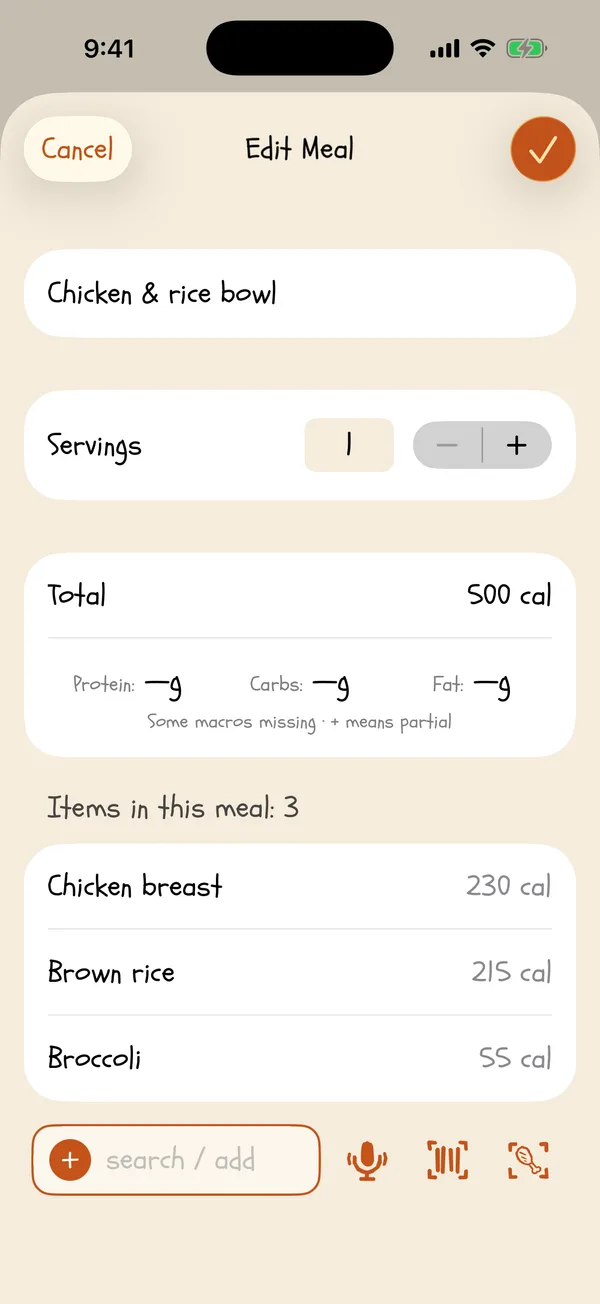
Every meal has Home’s search bar now, with Voice Log, Barcode Scan, and Meal Scan beside it. Type “almonds 200” and it uses your own almonds. Meals also have a button of their own at the top of Home.
Challenges, week by week
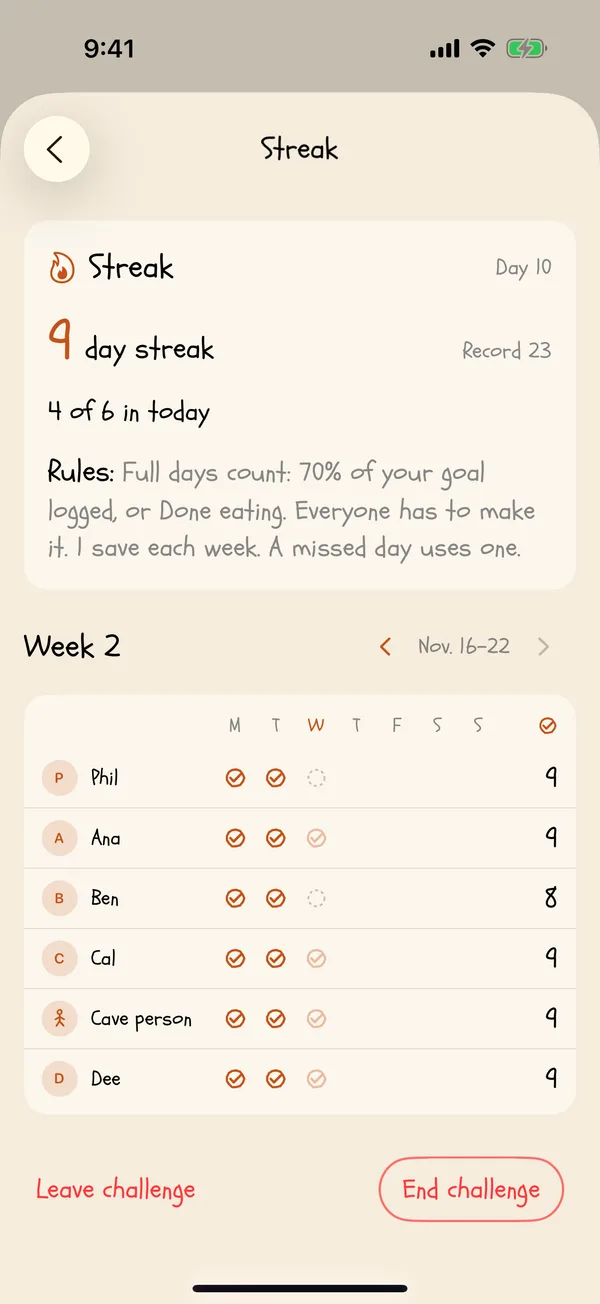
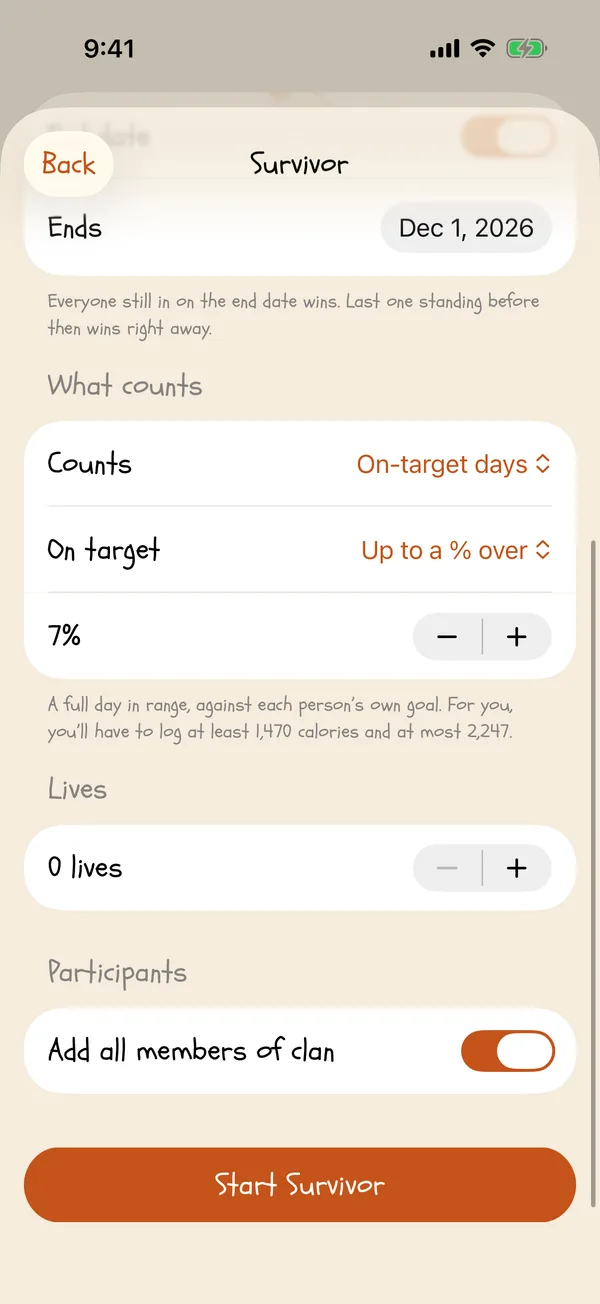
A long challenge shows one week at a time, with arrows to look back. Finished challenges open again, and whoever started one can clear it away. Every kind of challenge can have a start date and an end date.
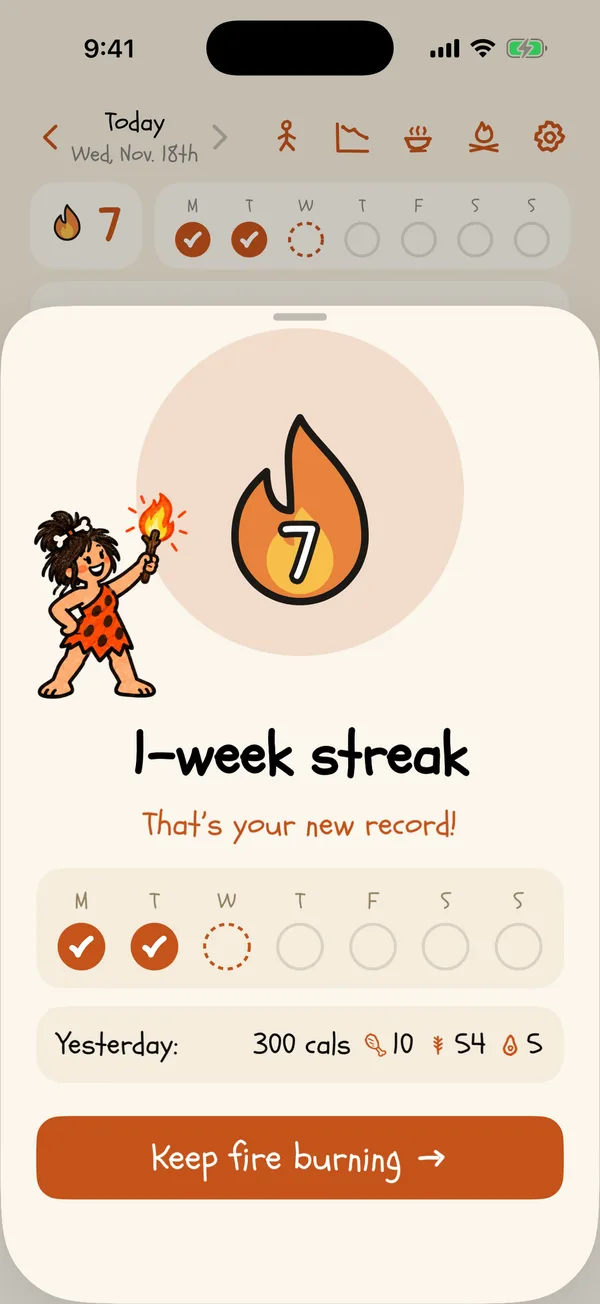
Yesterday on your streak
The streak badge shows yesterday’s calories and macros in one line, throws confetti for every full week, and tells you when you’ve set a new record.
More foods in search
Can’t find a brand? When the usual search comes up short, Cave Cals also checks Open Food Facts, so more packaged foods turn up by name.
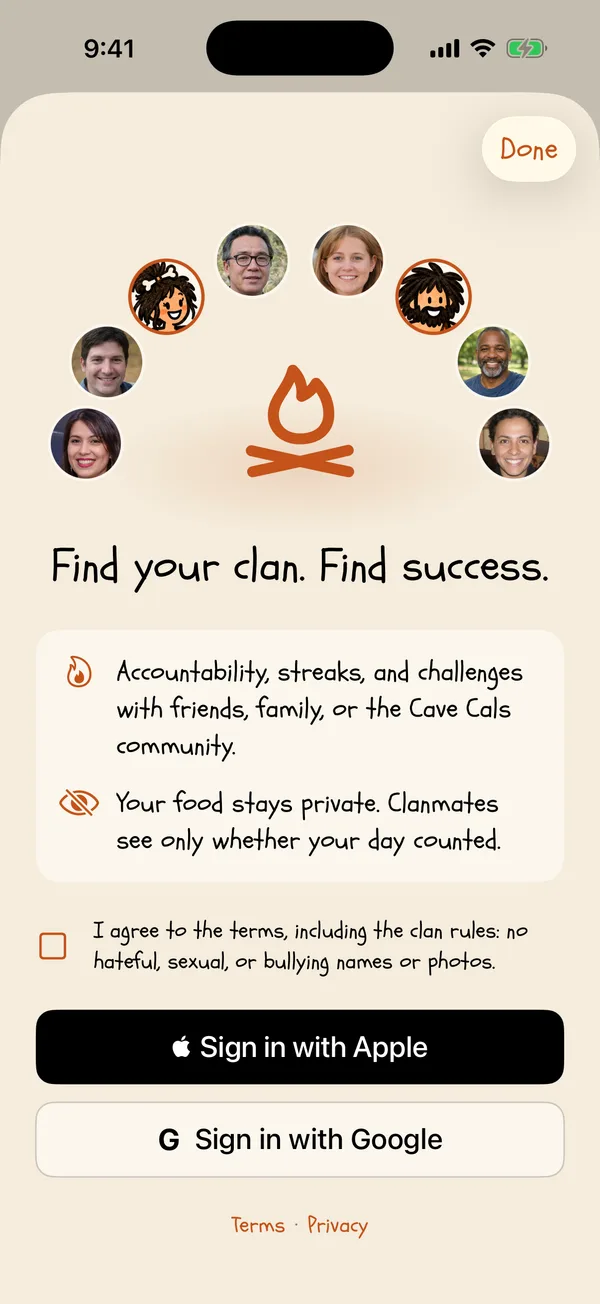
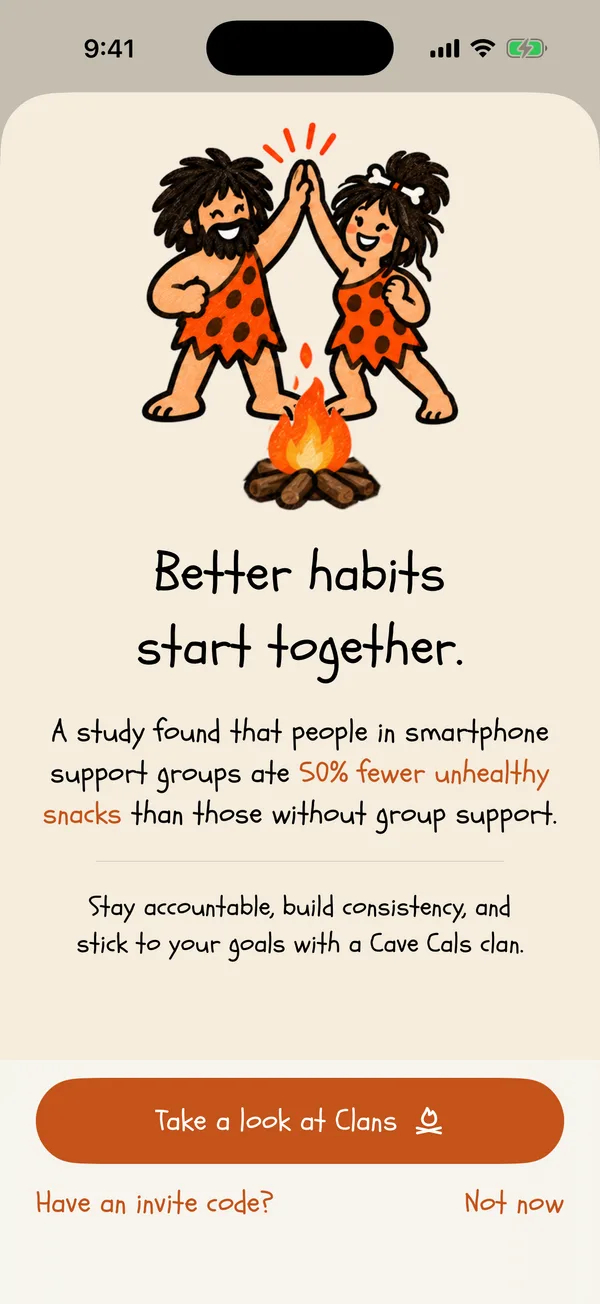
Find your clan
The Clans welcome shows what a clan looks like around the fire, and one tap takes you to a clan you can join today. Got an invite link from a friend? It carries you through setup and straight into their clan.
Also
- Cave Cals+ has a new look.
- Protein, carbs, and fat show by their glyphs instead of P, C, and F.
- Home’s date is bigger and never cut off.
- Done eating for today waits until you’ve logged a fair share of the day.
- In dark mode the logos sit right on the dark, with no cream badge.
- On Android, the Quick Log widget is a 2 × 2 grid of buttons, like the iPhone’s.
- Lots of small fixes.