More ways to track. More ways to see your progress.
Progress Photos
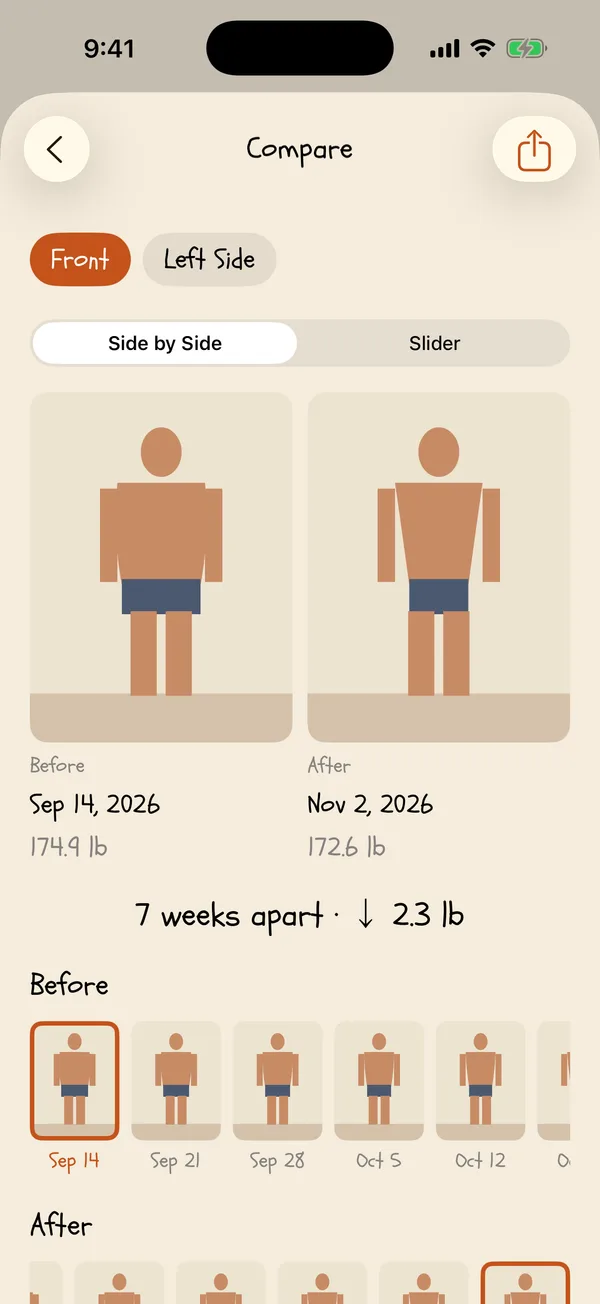
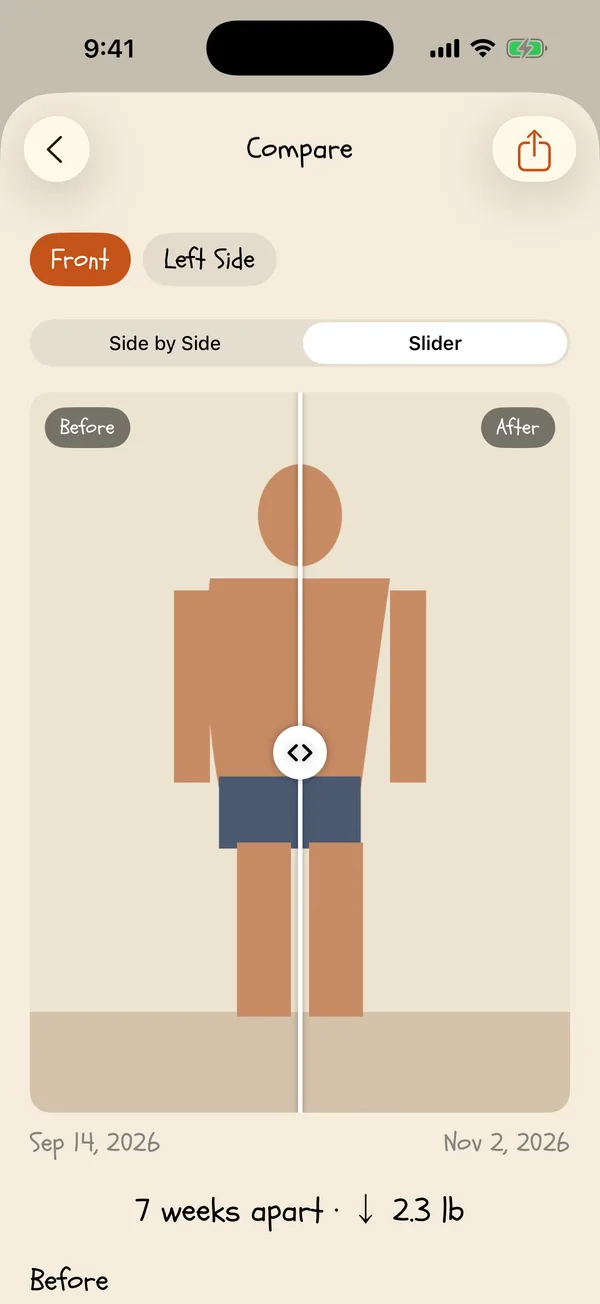
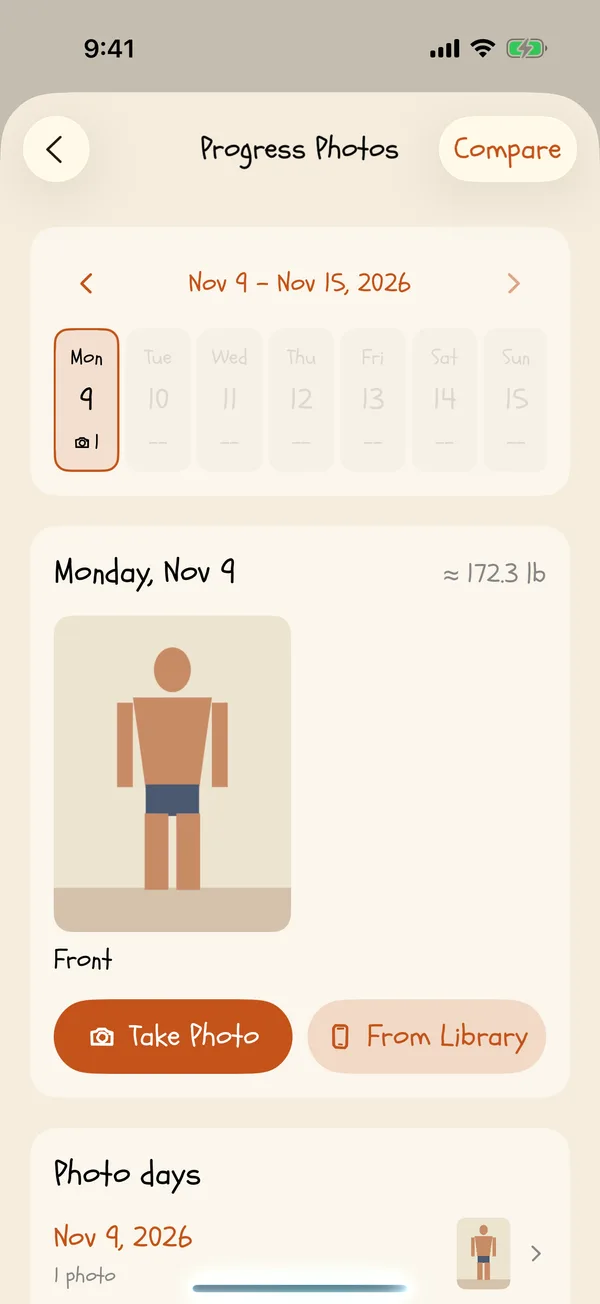
Line up each shot with a ghost of your last photo, use the timer, and compare changes side by side. One photo a day is free. Cave Cals+ unlocks more angles.
Trends
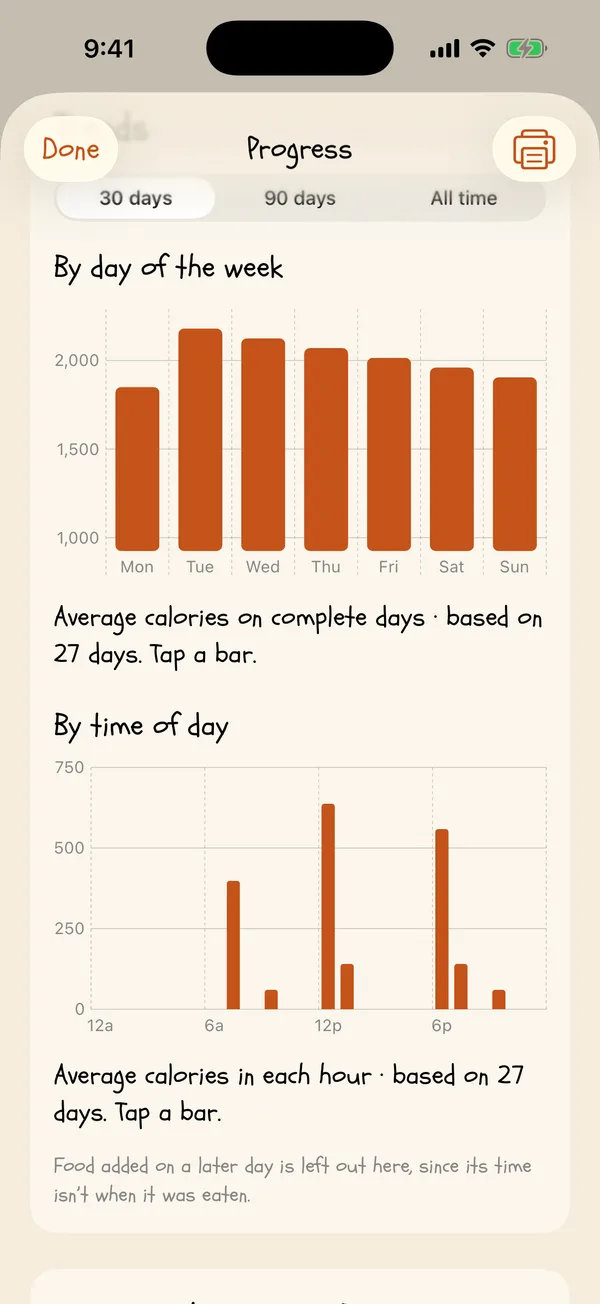
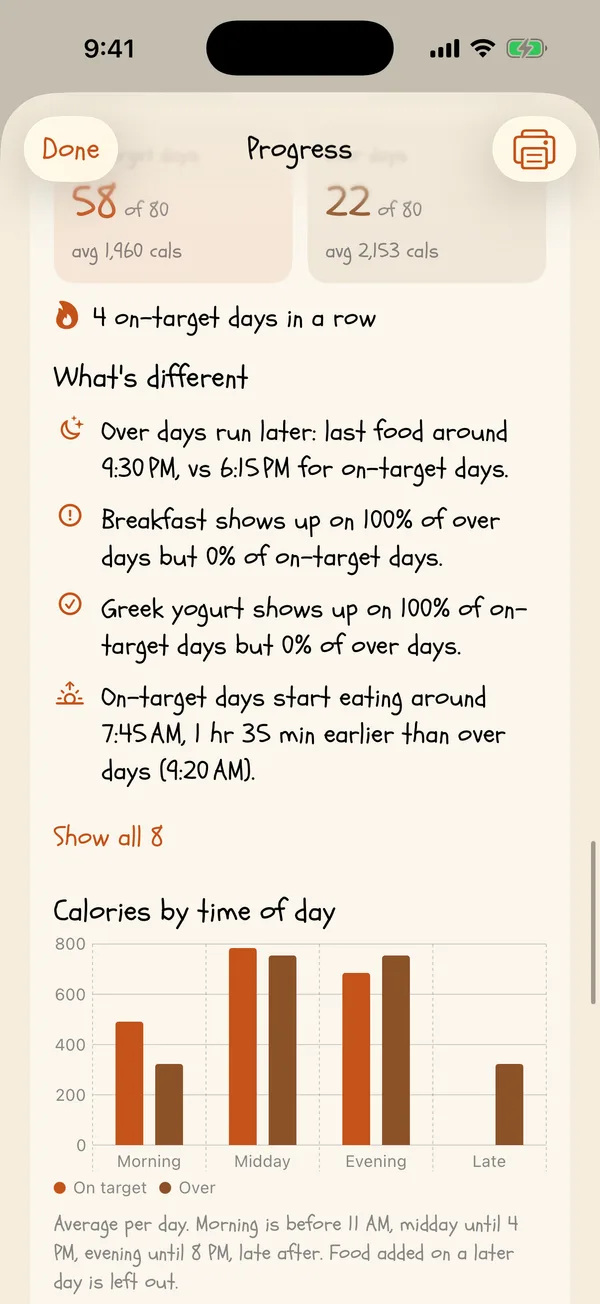
See your average calories by day of the week and by time of day.
On-target vs. over days
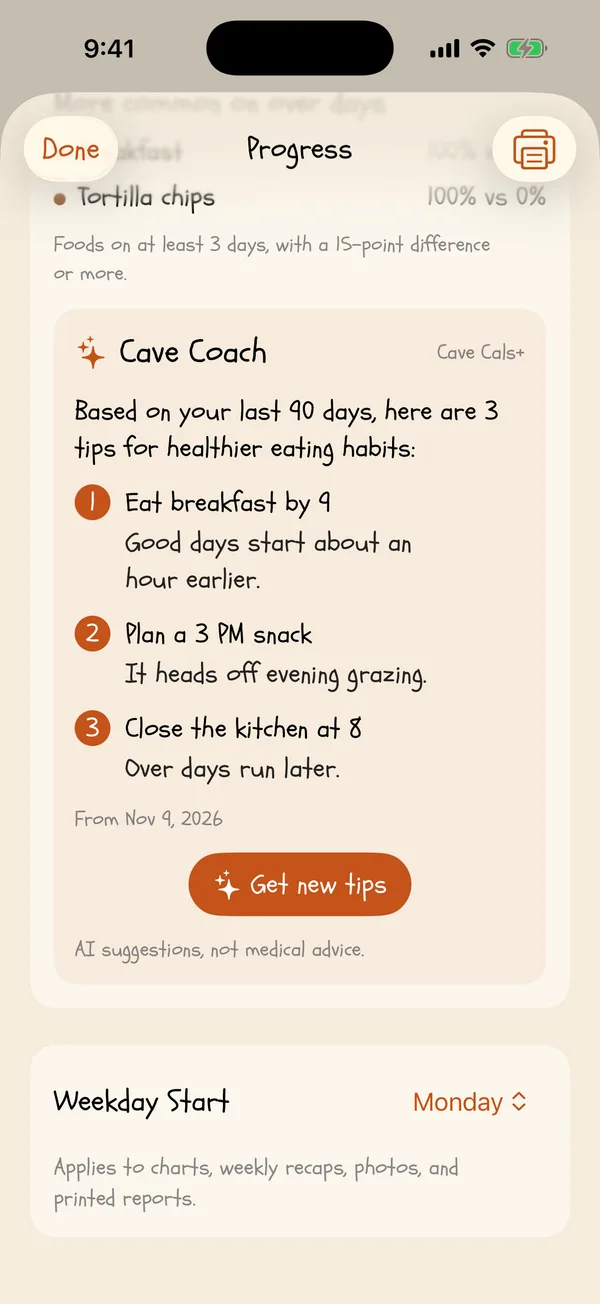
Compare the days you hit your goal with the days you went over, and see what’s different. With Cave Cals+, Cave Coach turns those patterns into three tips.
Meal types
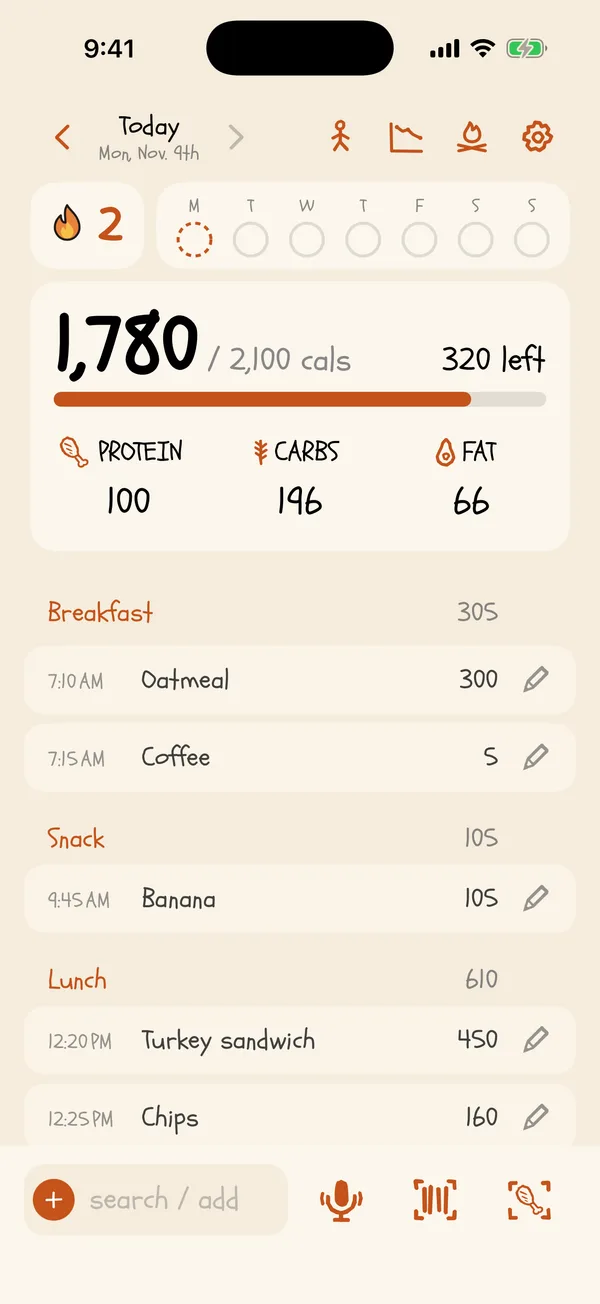
Sort your log into meals like Breakfast, Lunch, and Dinner. Meals are set by the time of day, or you can pick one as you add food.
Macros for every food
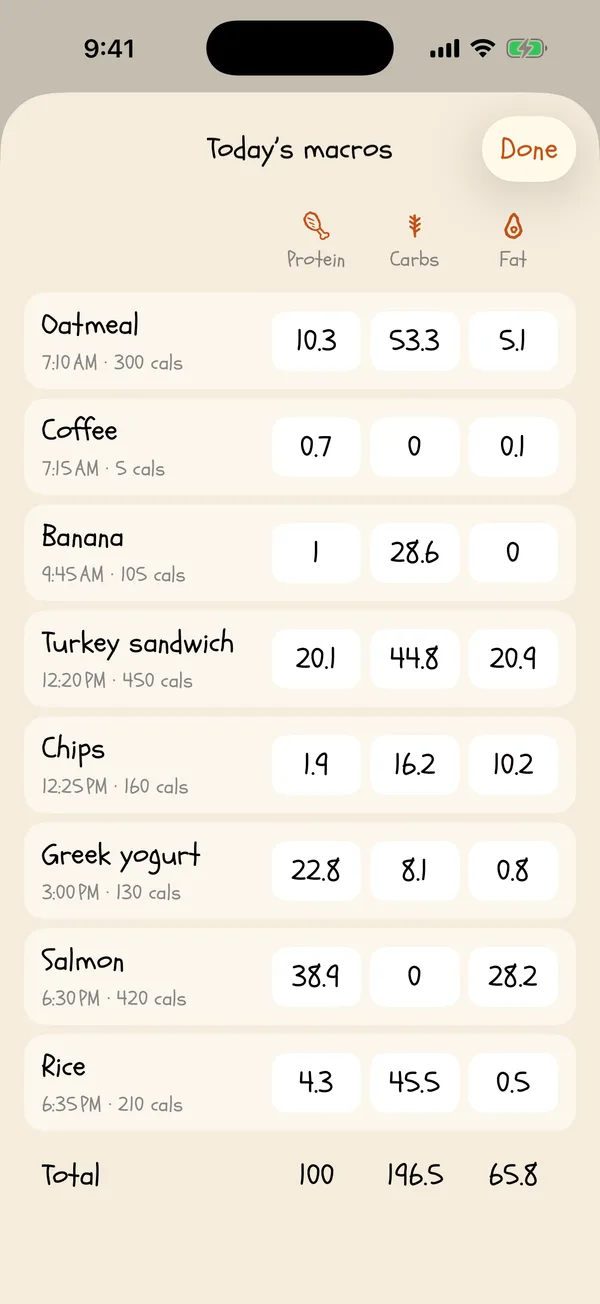
Tap protein, carbs, or fat on Home to see the day’s foods. Type in what’s missing, or estimate it with AI.
Also
- Build a plan to lose, maintain, or gain weight.
- Import recipes from links, photos, or pasted text, and save the right amount per serving.
- Smoother food search and easier editing.